Is Amazon Subscribe & Save cheaper after the first order?
Compare recurring costs after signup coupons, check the next-delivery price and avoid extra purchases that cost more than their added discount saves.
Separate the first delivery from the normal repeat cost
A discounted first checkout does not establish what the next delivery will cost. Amazon’s consumer terms allow the item price, discount and other offer details to change. Orders continue on your chosen schedule, with recurring charges until you cancel.
Compare the same package and quantity against a one-time purchase or another realistic place you would buy it. Include shipping, tax and fees in your final comparison. Non-Prime customers may pay shipping on the first delivery, even though the program offers free standard shipping on auto-deliveries.
Amazon’s coupon explanation says Subscribe & Save-specific coupons are redeemable on the first delivery of a new subscription. Read the actual coupon’s conditions and check what checkout applies. Do not subtract an introductory coupon from every future delivery.
Here is a hypothetical example, before tax or shipping. The first checkout is assumed to quote $9.40, including its eligible first-delivery promotion:
| Purchase | Inputs for this example | Amount paid |
|---|---|---|
| First subscription delivery | Quoted promotional checkout total | $9.40 |
| Later subscription delivery | Item price $14, less the assumed 5% discount | $13.30 |
| Comparable one-time alternative | Same package and quantity | $13.00 |
The later subscription costs $0.30 more than the alternative despite its discount. These are example inputs, not observed offers or a rule for stacking coupons. For each later delivery, compare the actual total again.
A reminder price is a checkpoint, not a permanent price lock
Amazon’s Subscribe & Save help says the item price and applicable discount are calculated before the reminder email. The item price may rise or fall between deliveries, but will not exceed the price shown in that delivery’s reminder email.

The terms describe the charge as the processing-day item price less the applicable discount, plus tax, shipping and fees. Keep the reminder’s item-price promise separate from those other charges. Check the next order’s details before its displayed update deadline, rather than relying on the original signup price.
Five subscriptions can increase both the discount and your bill
The consumer help offers extra savings when 5 subscriptions arrive in a delivery to one address. It does not promise a universal 5% starting discount or 15% on every product. Check each displayed offer and the eligible subscriptions in that scheduled delivery. Buying five units of a single product is not a reliable substitute for checking what the program actually counts.
Suppose four subscriptions you already need total $40 before an assumed 5% discount. They cost $38. Suppose the actual offers would raise their discount to 10% if a fifth eligible subscription arrived with them, so those needed items would cost $36.
- Extra discount on the needed $40 basket
- $38 − $36 = $2
- Unneeded fifth item, after its discount
- $3
- New spending versus the original $38
- $36 + $3 = $39, or $1 more
This example assumes those specific offers and excludes taxes and fees. If the fifth item is something you would otherwise buy, compare its net cost with that alternative too. Adding unneeded stock just to reach a threshold can erase the discount on your useful purchases.
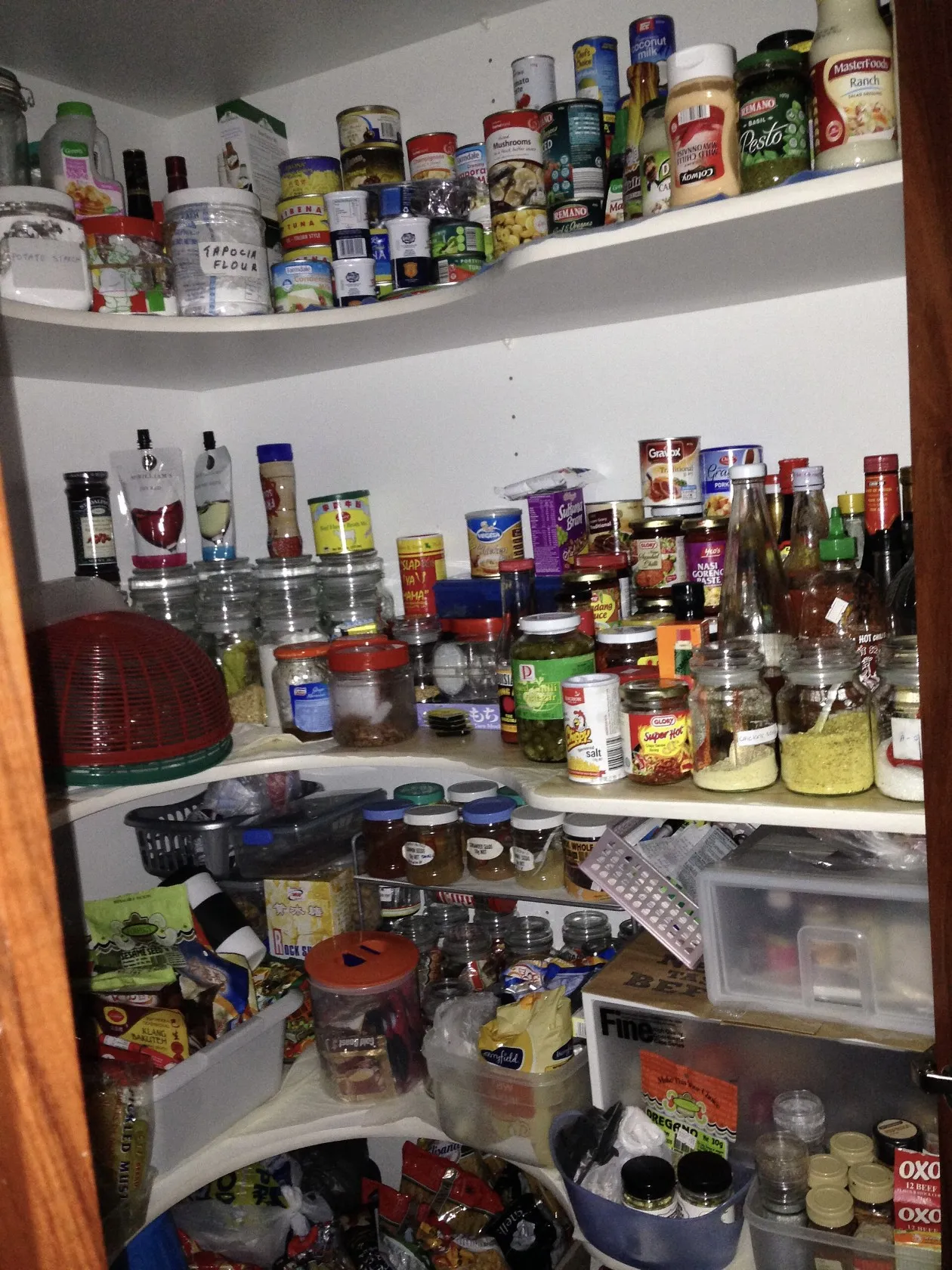
The pantry photo shows stored household supplies, not verified Amazon orders. Before keeping a subscription, check whether you need the next quantity and whether the delivery frequency matches how quickly you use it.
Review before the listed update deadline
Open Your Subscribe & Save Items while signed in. Use the Last day to update this order shown for the subscription; Amazon does not publish one universal number of days before delivery that applies to every item.
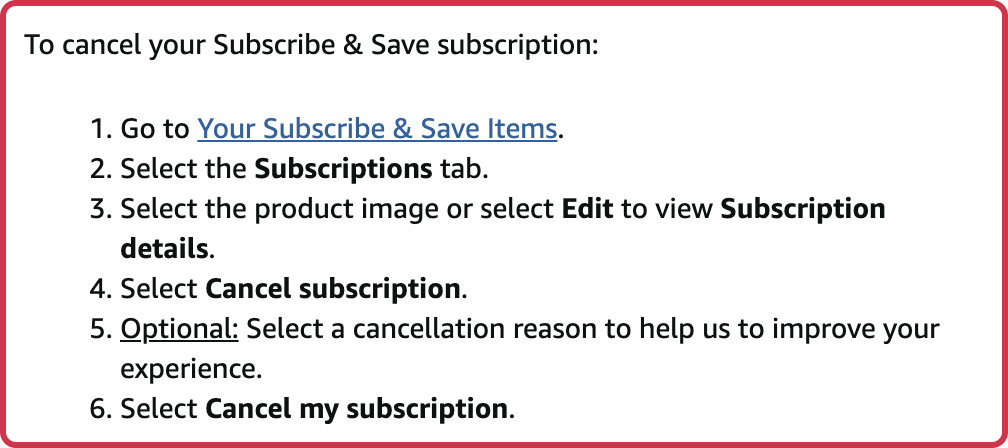
To stop future deliveries, Amazon’s cancellation instructions say to select the Subscriptions tab, choose the product image or Edit, select Cancel subscription and confirm Cancel my subscription. If you only have excess stock this time, the subscription manager also supports skipping a delivery.
Once an order has entered the shipping process, canceling the subscription does not cancel that shipment through this action; it stops the next scheduled one. Inspect an already-created order separately in Your Orders and follow its available cancellation options. If cancellation is unavailable, any return follows the product’s actual Amazon return window, not an automatic subscription exception.
Amazon also says SNAP EBT cannot pay for these subscriptions because it requires a PIN for each purchase. Confirm an accepted payment method and the upcoming total before allowing the next delivery to proceed.
Sources
- Amazon Subscribe & Save consumer help (checked )
- Subscribe & Save consumer terms (checked )
- Cancel Your Subscribe & Save Subscription (checked )
- Amazon seller explanation of subscription coupons (checked )
- Amazon: Cancel Items and Orders (checked )
- Cover photo: KDFernandez, CC BY-SA 3.0