LEGO Pick a Brick fees: should you buy more parts?
Compare a small US Pick a Brick basket with useful extra pieces, keeping service fees, delivery thresholds and the actual order summary separate.
A fee disappearing from the bag is not the same as your total falling. The useful comparison is how much you would pay for the parts you need, including the fee, against how much you would pay after adding more parts.
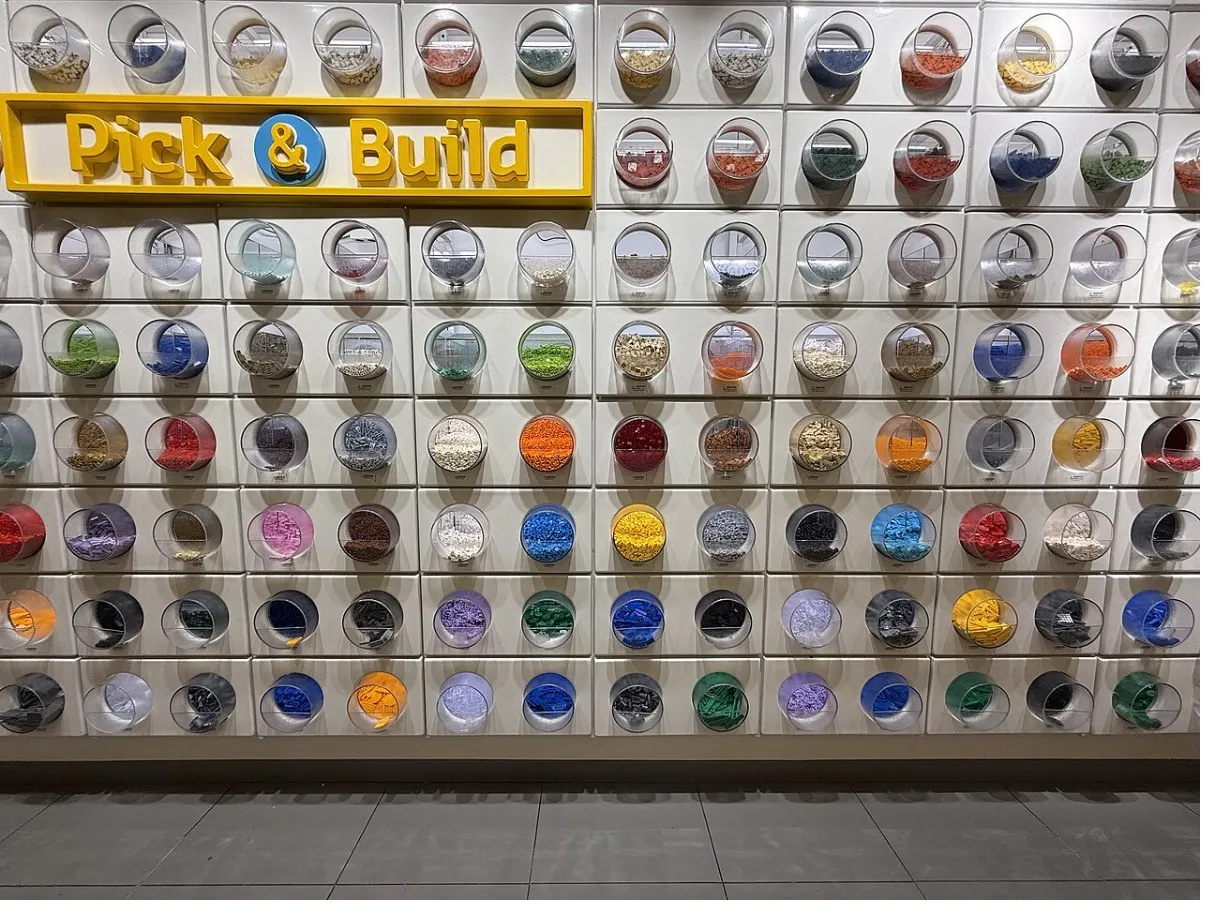
This guide uses LEGO’s US online catalog and delivery help as checked October 26, 2026. The photo shows a physical loose-brick wall, not an online order or its prices. Examples below are hypothetical single-category Bestseller baskets; they do not promise current stock or future Standard-category availability.
Separate the service fee from delivery
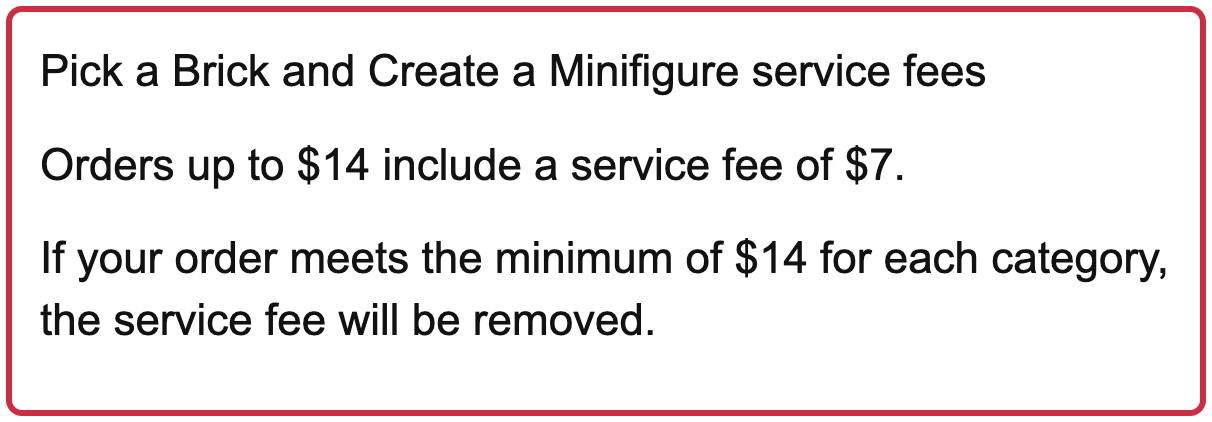
The US Pick a Brick catalog currently says a $7 service fee applies to Bricks and Pieces orders under $14. The delivery page says the fee is removed when the order meets the $14 minimum for each category.
There is a wording inconsistency: one sentence on the delivery page says orders “up to $14” include the fee, while the catalog says “under $14.” Check the actual order summary at the boundary. The worked comparison uses $14.01 to avoid assuming what a $14.00 quote will show.
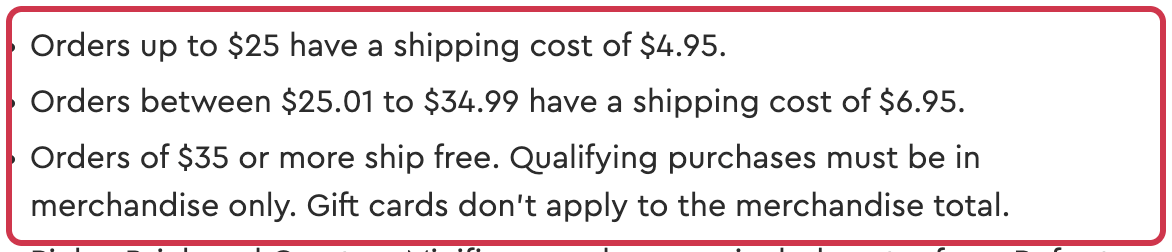
Standard delivery is a different line in the price. LEGO lists $4.95 for merchandise up to $25, $6.95 from $25.01 to $34.99, and free standard shipping at $35 or more in qualifying merchandise. Gift cards do not count toward that merchandise threshold.
Compare the small basket with a useful top-up
These examples assume one eligible category, no other products, the published standard-delivery band applied to the merchandise subtotal, and no tax or promotion. They assume the $7 fee applies below $14 and is waived on the $14.01 example. They are calculations, not observed carts or guaranteed checkout quotes.
| Example parts subtotal | Assumed service fee | Assumed delivery | Total before tax |
|---|---|---|---|
| $3.00 | $7.00 | $4.95 | $14.95 |
| $10.00 | $7.00 | $4.95 | $21.95 |
| $13.00 | $7.00 | $4.95 | $24.95 |
| $14.01 | $0.00 | $4.95 | $18.96 |
For the $13 basket, adding $1.01 of wanted, eligible parts could reduce this calculated total by $5.99. For the $3 basket, expanding to $14.01 would instead cost $4.01 more. Paying the fee can be the lower-cash choice when the additional pieces are not useful or the original order is very small.
The general test is the cost of the useful extra pieces against the fee you would actually remove, plus any change in shipping and tax. Recheck the real fee after changing the basket; do not assume another category’s pieces satisfy this one.
Free shipping can still mean a bigger bill
Under the same assumptions, a $35 eligible merchandise basket with no service or shipping fee costs $35 before tax. That is $16.04 more than the $18.96 top-up example. A zero shipping line has not made the larger basket cheaper.
Adding a set or other merchandise may change the delivery calculation. It does not establish that your parts category has reached its service-fee minimum. Likewise, an in-store Pick a Brick wall is a different purchasing route; do not apply these US online examples to its containers or prices.
Check the live catalog and order summary
Use currently available Bestseller elements for this comparison. Category names, stock and delivery options can change, so older descriptions of separate Standard and Bestseller orders are not a promise that both are available when you shop. This guide makes no dated Standard-service availability claim.
- Find the required pieces in the current US catalog. Check their category and availability.
- Record the merchandise subtotal, service fee and delivery charge shown for your actual order.
- Compare only useful additions, then check the resulting total and tax before paying. We inspected the public catalog and help pages, not a completed purchase.
If the piece is missing from a newly bought set, check LEGO’s missing-bricks service before paying for a separate parts order; eligibility was not tested here. For a set bought on Walmart.com, our online-order return guide also explains where to find the seller’s available return route.
Sources
- LEGO US — Pick a Brick catalog (checked )
- LEGO US — delivery, shipping and Pick a Brick fees (checked )
- LEGO US — Pick a Brick help (checked )
- LEGO US — missing bricks entry page (checked )
- Cover photo: Yelderberry (talk), CC BY-SA 4.0